
Add your own relationship types
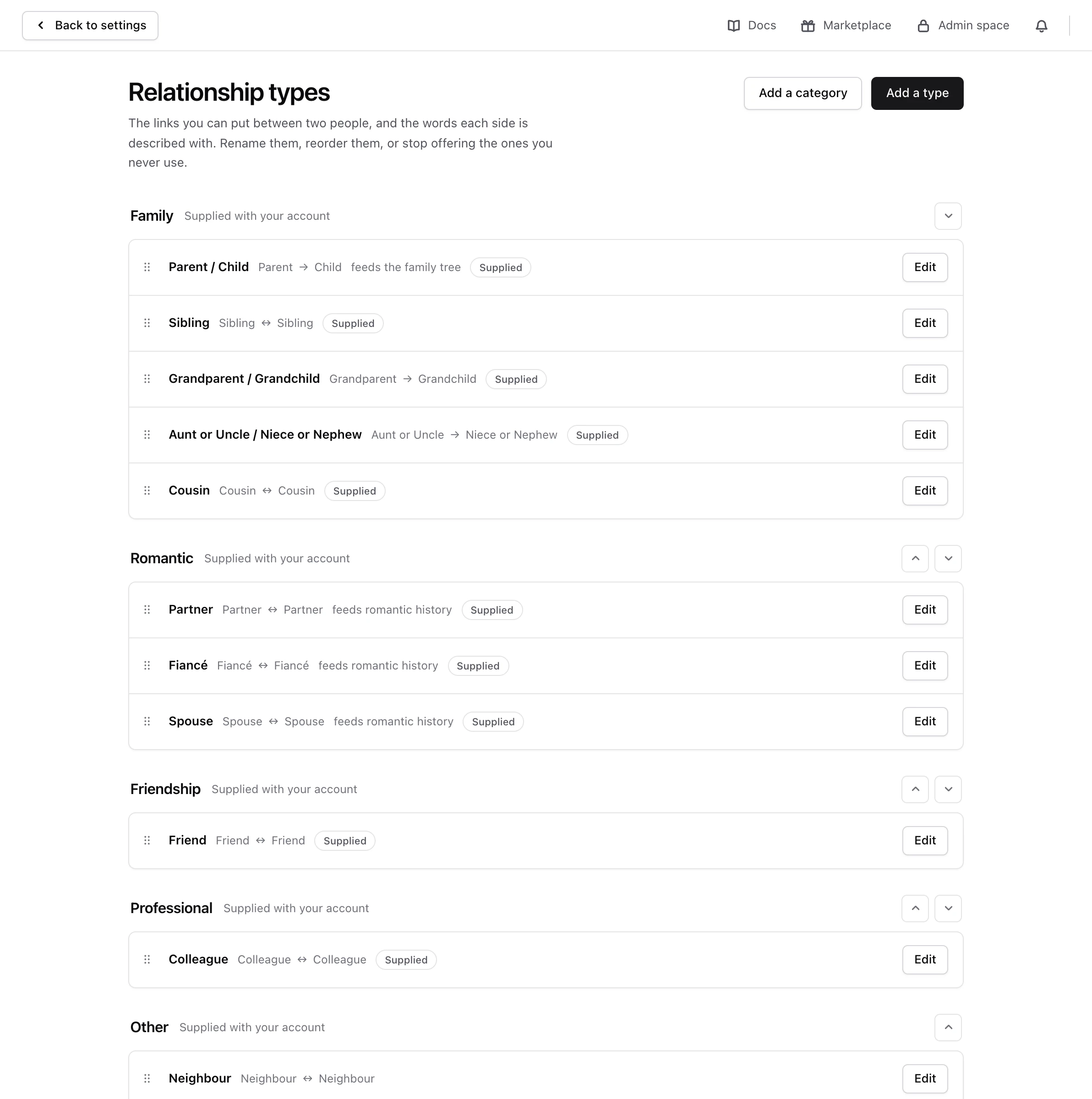
A relationship type is the word for how two people are connected. Monica starts you with ten, such as Parent / Child, Sibling, Spouse and Friend, filed under the categories Family, Romantic, Friendship, Professional and Other. Add your own when none of them says it, such as Roommate for Monica and Rachel. Link two people shows how types are used.
Open your settings, and under Personalisation choose Relationship types.
Add a type#
-
Open the form
Choose Add a type.
-
Name it and file it
In Name, type
Roommate, and in Category, choose Friendship. The category decides only where the type is listed. -
Say how it reads
Under How it reads, choose The same from both sides, since Monica and Rachel are each other’s roommate, and type
Roommatein Role, on both sides.For a link that reads differently from each side, such as a godparent and a godchild, choose Different on each side, and fill in First role and Opposite role. The sentence below the form shows how it will read.
-
Add it
Leave Offer this type for new relationships on, and choose Add the type.
Monica says The type is added. It is offered the next time you link two people.
Change or reorder types#
Choose Edit on a type to change its name, category or wording. Everything already written with it reads in the new words. Drag a type by its handle to change the order the form offers them in.
The direction of a type stays fixed once relationships use it, and always for a supplied type, so relationships written years ago still read the way they were written.
Family tree and romantic history#
Parent / Child draws the family tree, and Partner, Fiancé and Spouse make up romantic history. Renaming them, moving them to another category, or no longer offering them changes nothing about that. A type you add never feeds the family tree.
Stop offering a type, or delete it#
- Stop offering it. On the type, turn off Offer this type for new relationships. It leaves the relationship form, and everything already written with it keeps reading as it does.
- Delete it. Choose Delete, then Delete the type. This works only for a type you added that no relationship uses. Monica refuses the others: The type came with your account and stays, or Relationships are written with this type, so it stays.
Categories#
Choose Add a category to add one, such as Neighbourhood. Categories you add can be renamed, moved up and down, and deleted once they hold no type. The categories that came with your account cannot be renamed or deleted.
Next steps#
- Link two people with the new type.